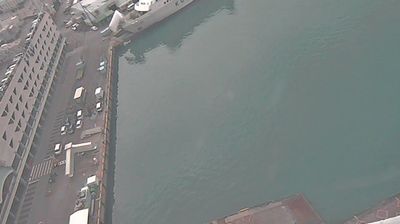
大田区 › South: Tokyo Kokusai Kuko Dai 3 Parking Lot - 3-chōme-4-4 Hanedakūkō
 大田区, Япония
Real-Time Environment
Welcome to the live streaming webcam for 大田区 › South: Tokyo Kokusai Kuko Dai 3 Parking Lot - 3-chōme-4-4 Hanedakūkō, perfectly situated in the vibrant region of 大田区, Япония. Watching this live camera allows you to instantly experience the local atmosphere and monitor current climate conditions.

About Ōta, Tokyo
Ōta is a special ward in the Tokyo Metropolis in Japan. The ward refers to itself in English as Ōta City. It was formed in 1947 as a merger of Ōmori and Kamata following Tokyo City's transformation into Tokyo Metropolis. The southernmost of the 23 special wards, Ōta borders the special wards of Shinagawa, Meguro and Setagaya to the north, and Kōtō to the east. Across the Tama River in Kanagawa Prefecture is the city of Kawasaki, forming the boundaries to the south and west.
📖 Read more on Wikipedia📍 Location Facts
-
Country
 Япония
- Region 東京都
- City 大田区
- Coordinates 35.5518°N, 139.7861°E
Have you been to 大田区?
Help the community! Share your experience, tell us about the weather, or upload your own photos from this exact location.